
WhatsApp Integration for SAP Business One
Email gets ignored. Phone calls get missed. WhatsApp gets read within minutes. For most Indian and Middle East businesses, WhatsApp has quietly become the main channel customers, vendors and field teams actually respond on, yet the data those conversations are about still sits inside SAP Business One.
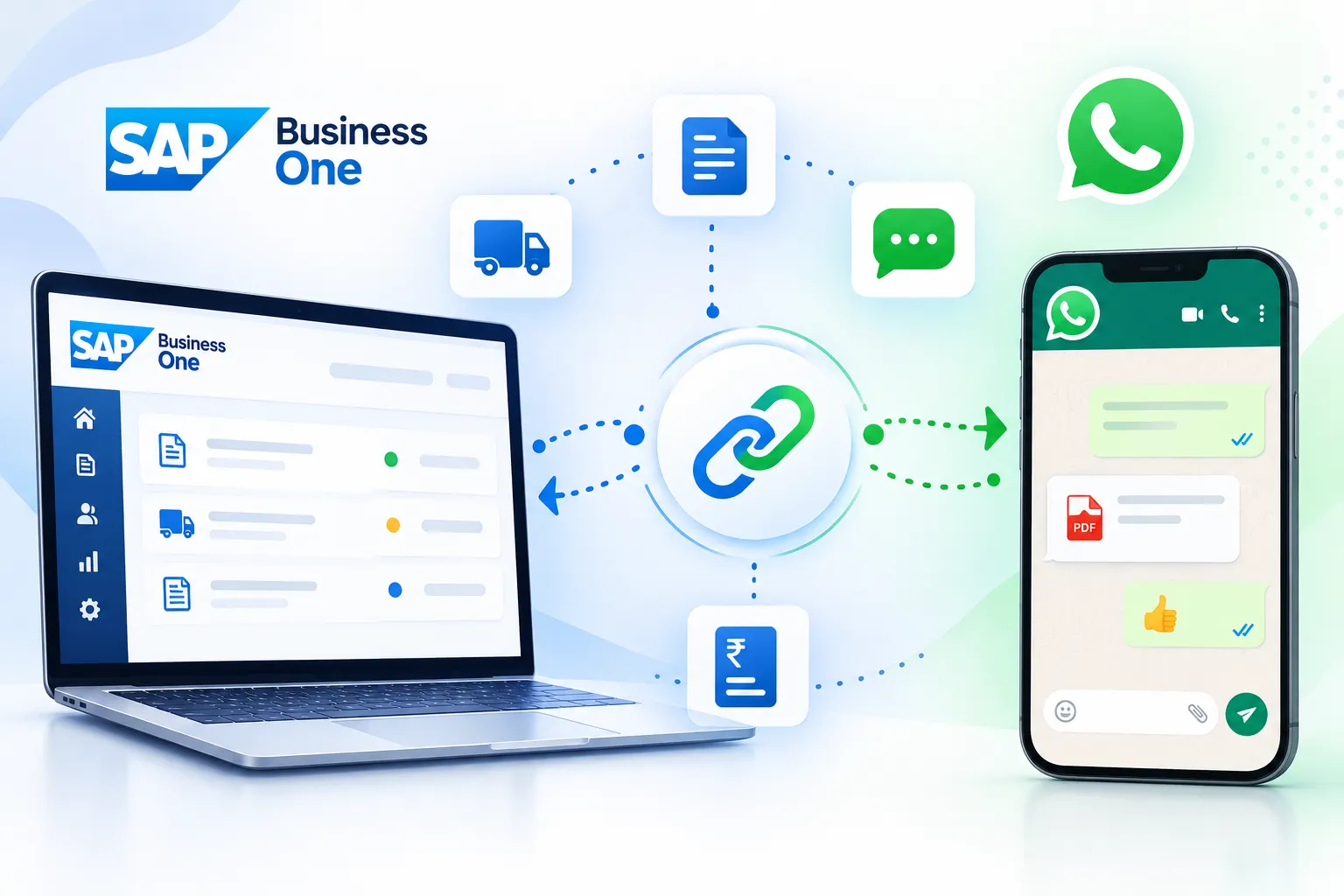
Inecom's WhatsApp Integration closes that gap. It connects SAP Business One directly to WhatsApp, so a quotation, sales order confirmation, delivery note, invoice or payment reminder can be sent to the right person the moment the document is created in your ERP. Every message is triggered by real ERP data, and every message is recorded, so nothing depends on one salesperson's personal phone.
The problem with the way most teams use WhatsApp today
Most SAP Business One users are already sending documents on WhatsApp. They are just doing it the slow way.
The issue is not WhatsApp. The issue is using it outside the controlled ERP process.
Print or export the invoice as PDF, save it, open WhatsApp Web, search for the contact, attach, send.
Nobody else in the company can see what was sent, to whom, or when.
When a salesperson leaves, the entire customer conversation history leaves with them.
Payment follow-up depends on somebody remembering to follow up.
The same document goes out with different wording every time.
What Inecom's WhatsApp Integration for SAP Business One does
Connect documents, alerts, templates, delivery status and team communication to one controlled business process.
Send business documents straight from SAP Business One
Share quotations, sales orders, delivery notes, AR invoices, credit notes, statements of account and payment receipts as PDF attachments, directly from the document screen in SAP Business One.
See it in a demo →Trigger messages automatically
Configure rules so that messages go out on their own when a document is added, approved, dispatched or overdue. Order confirmations, dispatch alerts and payment reminders stop depending on human memory.
View the workflow →Use approved WhatsApp message templates
Standardised, pre-approved templates keep your tone, branding and legal wording consistent across every user and every branch, with dynamic fields for customer name, document number, amount and due date.
Discuss templates →Keep everything logged inside your ERP
Sent messages, delivery status and responses are recorded against the business partner and the document, so any authorised user can see the full trail without asking a colleague to forward a screenshot.
See the benefits →Reach internal teams too
Route approval requests, purchase order alerts, low stock warnings, service call assignments and daily sales summaries to internal groups so decisions do not wait for someone to log in.
Explore team use cases →Work the way your SAP Business One is deployed
Runs with SAP Business One on SAP HANA and on Microsoft SQL, on premise or on cloud, with role based authorisations so only permitted users can send on the company number.
Check compatibility →Where it pays off, team by team
See how WhatsApp Integration for SAP Business One improves communication, follow-ups and decision-making across every department.
Sales
Quotations reach the buyer within seconds of approval, and follow-up reminders are automatic.
Accounts receivable
Ageing-based payment reminders go out on schedule, with the invoice attached, which shortens collection cycles.
Logistics and dispatch
Customers get a dispatch message with delivery details instead of calling to ask where the material is.
Purchase
Vendors receive purchase orders and schedule changes on the channel they respond to fastest.
Service
Engineers receive call assignments and customers receive job completion updates.
Management
Daily sales, collection and stock summaries arrive directly on the phone.
Turn everyday messages into a controlled business process
Reduce repetitive work, standardise follow-up and keep communication history available to the company.
Faster response and fewer follow-up calls
Messages are read rather than filtered into spam.
Lower days sales outstanding
Reminders are automated and consistent.
A complete, auditable communication history
The history belongs to the company, not to individual mobile phones.
Fewer manual steps for your team
Fewer errors and less time spent on repetitive administration.
Better customer experience
No new software for the customer to install.
Why implement it with Inecom
Inecom is an authorised SAP partner delivering SAP Business One and SAP S/4HANA Cloud to manufacturing and distribution companies across India, the Middle East and Europe, with more than 20 years of ERP implementation experience. We do not simply install a connector. We map which documents matter to your process, define the trigger rules, design the message templates, handle the WhatsApp Business account setup and template approvals, and train your users, then support the solution afterwards through our SAP support desk.
Questions before you connect SAP Business One to WhatsApp
Clear answers on documents, deployment, branches and implementation.
Talk to an SAP consultant about your document flow, triggers and deployment.
Put your SAP Business One data where your customers already are
Book a 30 minute demo and see your own documents going out on WhatsApp from SAP Business One.