
Netronic Schedule for SAP Business One
Ask a production planner how the shop floor is loaded next week and you will usually get one of two answers: a spreadsheet that was accurate yesterday, or a confident guess. Neither is a plan you can promise a customer.
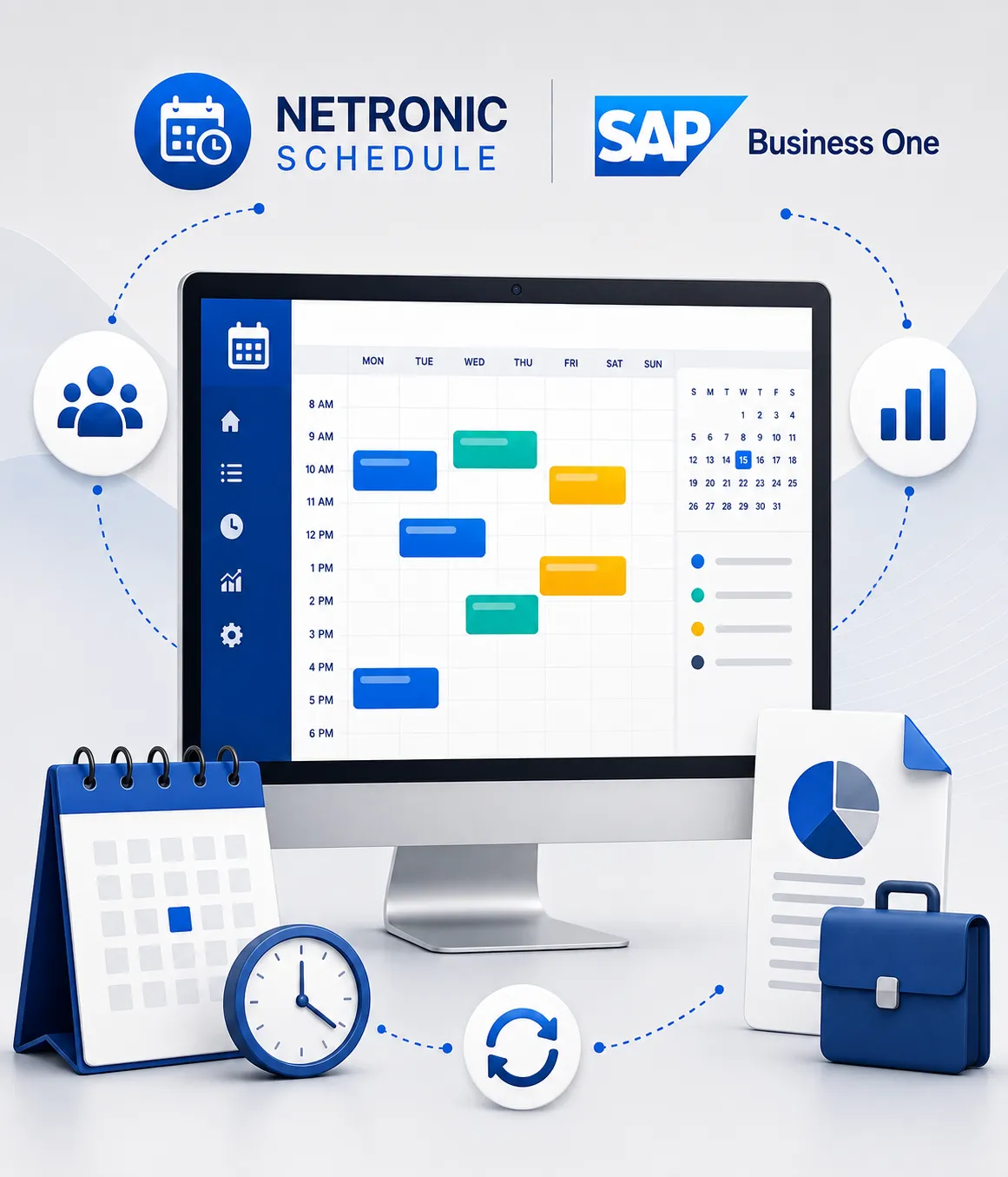
Netronic Schedule is a visual production scheduling application that sits on top of your SAP Business One production data. It turns production orders, operations and resources into an interactive planning board, so the planner can see the entire load at a glance, move work by drag and drop, and immediately see the effect on delivery dates. It is part of the Netronic Manufacturing range of role based applications from Boyum IT, the vendor behind Produmex and Beas Manufacturing, and Inecom implements it for manufacturers across India and the Middle East.
What Netronic Schedule solves
Production schedulers deal with the same pressures every single day: shifting order priorities, machine breakdowns, material that arrives late, rush orders from the sales team, and operators who need a clear work list for the shift. SAP Business One holds all the data required to answer those questions, but a list of production orders in a grid does not show a planner where the bottleneck is.
Netronic Schedule adds the missing layer. It shows time, resources and dependencies visually, so decisions are based on what the data says rather than on the loudest voice in the morning meeting.
Order priorities shift and the production plan needs to be updated quickly.
Machine breakdowns create immediate scheduling conflicts and resource pressure.
Late material affects operations, production sequences and expected delivery dates.
Rush orders from the sales team need to be fitted into an already loaded production schedule.
Operators need a clear and updated work list for every shift.
How production planning works with Netronic Schedule
Turn SAP Business One production data into a visual, live and adjustable production schedule.
Bring in your production data and see it
Production orders, operations, resources and required dates are visualised on an interactive planning board. Bottlenecks, overloads and conflicts become visible immediately.
Schedule automatically, then adjust by hand
The scheduling engine recalculates the plan when priorities change, new jobs come in or something unexpected happens on the floor. Where judgement is needed, the planner simply drags an operation to a different slot or a different machine.
Monitor and react
The plan stays live. When the schedule slips, the planner sees it and intervenes, then issues updated work lists to operators and machines.
Feed shop floor reality back into planning
Actual progress from the floor flows back in, so the next plan is built on real durations rather than on optimistic standards.
What planners get out of Netronic Schedule
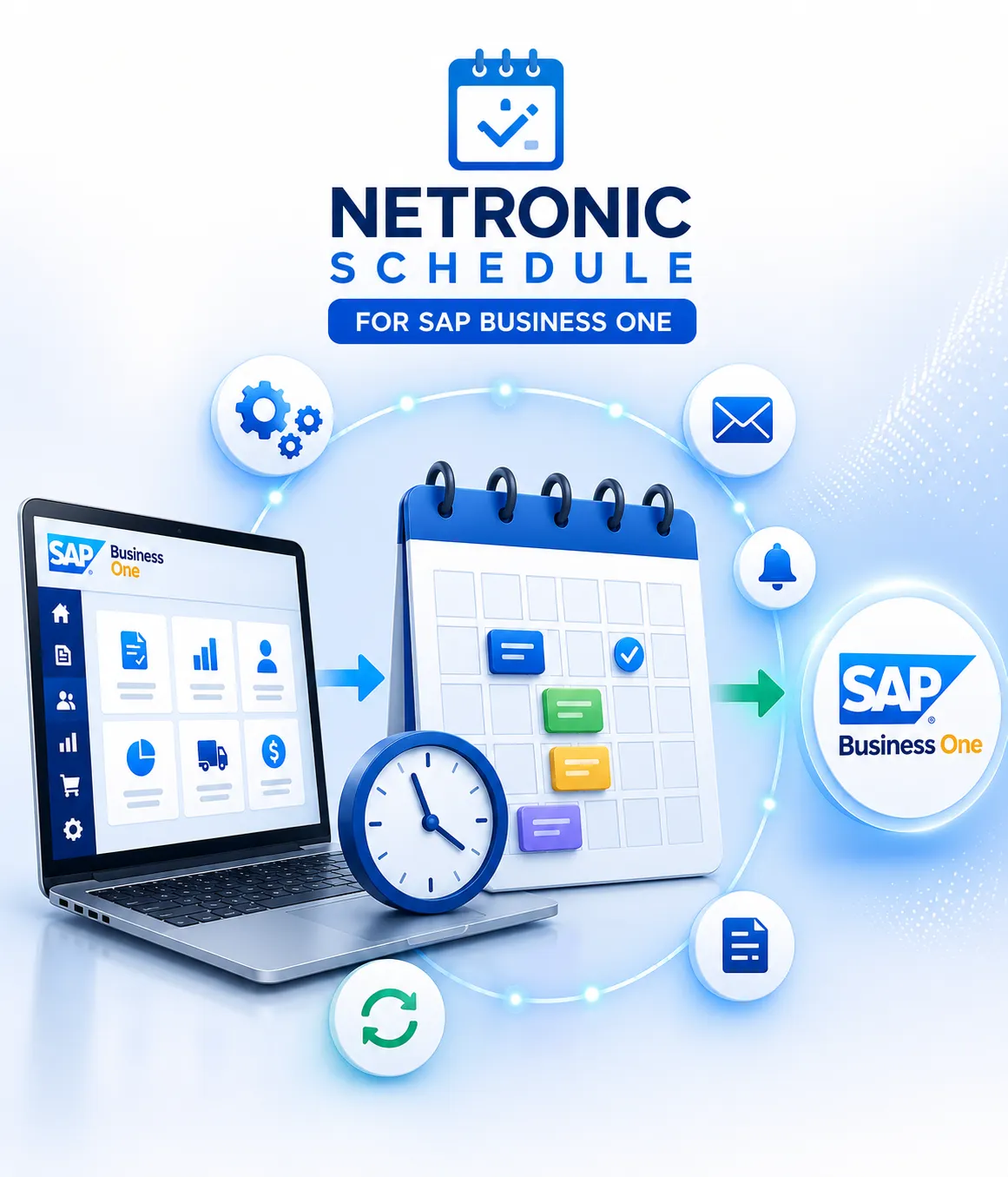
One visual view of production orders, resources and capacity constraints helps planners make faster and more reliable decisions.
Transparency
One visual view of every order, resource and capacity constraint, instead of five spreadsheets.
Higher throughput
Better sequencing reduces idle machine time and unnecessary changeovers.
Reliable delivery commitments
Sales can see whether a date is realistic before promising it to a customer.
Fast reaction to disruption
Rescheduling after a breakdown or a rush order takes minutes, not a day.
Short learning curve
Planners work with a visual board rather than learning a new scheduling language.
Which manufacturers benefit most
Netronic Schedule fits mid sized manufacturers running make to order, batch or job shop production, particularly where the same resources are shared across many orders.
Foundry and forging units
Suitable for production environments where shared resources, work centres and changing priorities need to be planned visually.
Automotive component manufacturers
Visualise production orders, operations, resource loading and required delivery dates in one planning board.
Engineering and fabrication job shops
Useful for high mix, low volume environments with shared machines and frequent schedule changes.
Chemical and process manufacturing
Helps planners see resource capacity, production dependencies and scheduling conflicts more clearly.
Pharmaceuticals and medical appliances
Supports visual sequencing, resource planning and more reliable delivery commitments.
FMCG and food processing
Helps production planners react faster when orders, capacity or production priorities change.
Watch how production orders from SAP Business One are scheduled, sequenced and rescheduled on a visual planning board.
See Netronic Schedule in action
See how SAP Business One production data is turned into an interactive planning board that planners can schedule, sequence and reschedule visually.
Why implement Netronic Schedule with Inecom
A scheduling tool is only as good as the production data feeding it. Inecom has spent more than two decades implementing SAP Business One for complex manufacturing companies, which means we start with the routings, work centres, capacities and BOM structures that make a schedule trustworthy, and only then configure the planning board.
You get one partner for SAP Business One, for the scheduling application and for support afterwards.
Questions about Netronic Schedule
Clear answers about planning functionality, SAP Business One, training and demonstrations.
Talk to an SAP consultant about your production orders, resources, work centres and scheduling requirements.
Stop planning production in a spreadsheet
Request a demo and see your production orders on a live planning board.